ChatGPT Can Now Read Your iCloud Mail. Your Bank Has One Rule First.
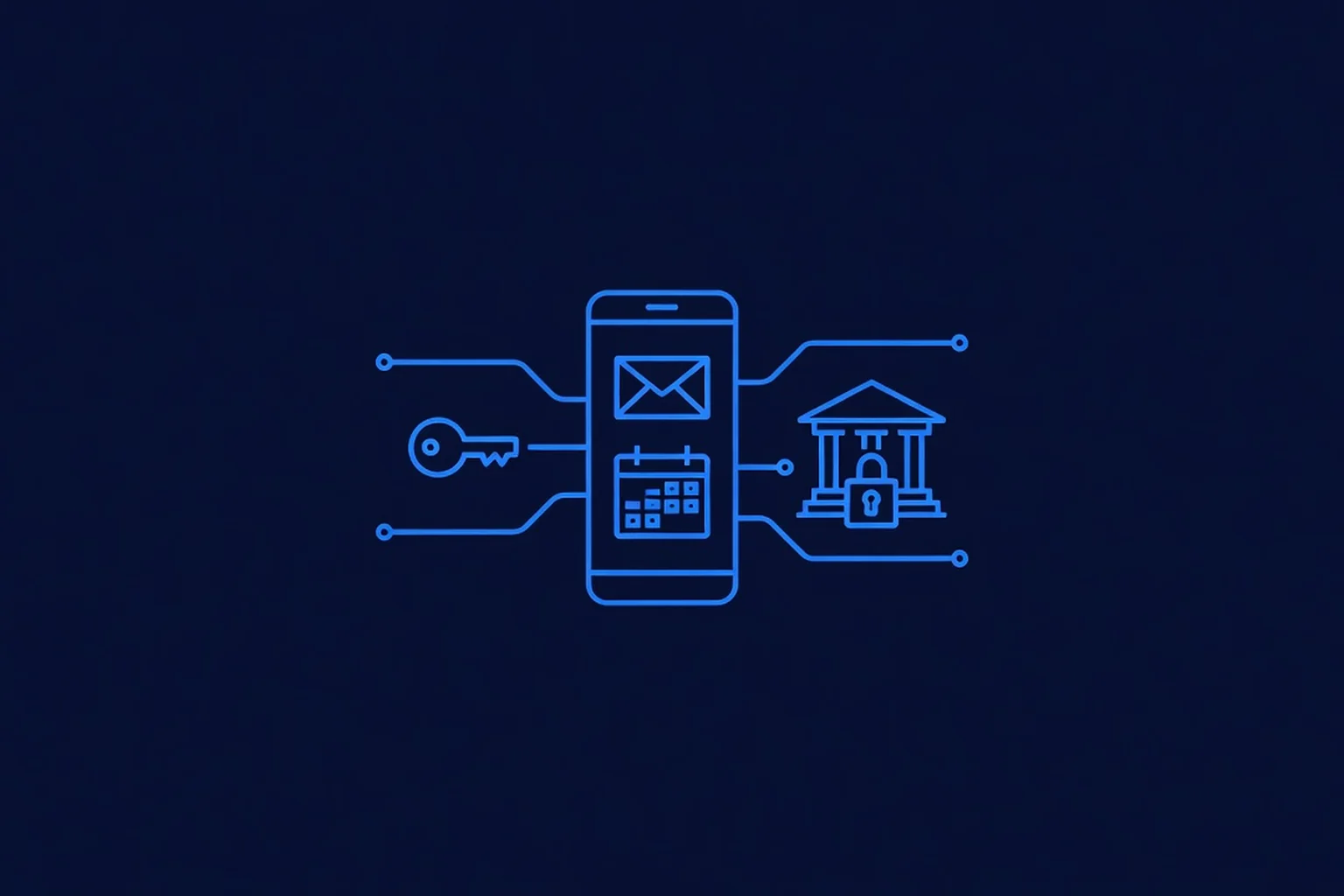
Yesterday morning OpenAI announced that ChatGPT can now connect to iCloud Mail and iCloud Calendar — the inbox and schedule most iPhone owners actually live in. The same day, Bank of America emailed customers telling them never to share their banking username or password with an outside service, "including an AI-enabled tool or agent that offers to act on your behalf" — and warning that if you do, "you're responsible for activity resulting from that access." Two giants, one day, instructions that sound opposite and aren't. Together they draw the most useful line in small-business AI this year: it isn't about which AI you trust. It's about which credential you hand it.
What OpenAI Actually Shipped
On October 27, OpenAI added plugins for iCloud Mail and iCloud Calendar to ChatGPT, available on every plan — free included — across the web, desktop, and iOS. Each plugin connects separately from Settings > Plugins, so you can give ChatGPT your schedule without giving it your inbox. Once connected, the Mail integration lets ChatGPT search and read your iCloud Mail, manage messages and drafts, send email, and look up your iCloud contacts; the Calendar integration lets it read, schedule, and update events that then show up in your iPhone's Calendar app. It sees only Apple's services — an @icloud.com, @me.com, or @mac.com address — not the Gmail or Outlook accounts sitting in your Mail app. And if you pay for the Pro plan, your Dot, OpenAI's always-on agent, can use both plugins too, which is where this stops being a chatbot convenience and becomes an employee with keys.
But the detail that matters most to a business owner is how the connection is secured: ChatGPT never asks for your Apple Account password. You generate an app-specific password yourself at Apple, two-factor authentication has to be on first, Apple allows up to 25 active app-specific passwords, and you can revoke any one of them — or all of them — at any time. Resetting your main Apple Account password kills every app-specific password automatically. For comparison: ChatGPT's Gmail and Google Calendar plugins arrived in August 2025 and rolled out to paying tiers first over weeks. The iCloud plugins skipped that staging entirely — every plan, day one. Apple's billion-plus users are the mainstream now, and OpenAI treated them that way.
What Your Bank Said the Same Day
Also on October 27, TechCrunch reported on a Bank of America email blast to customers titled "Protecting your finances in the AI World." The ask sounds almost polite and is dead serious: never share your username and password with another person or an outside service — "including an AI-enabled tool or agent that offers to act on your behalf." Then the part with teeth: "If you do share your credentials, keep in mind that you're responsible for activity resulting from that access." As TechCrunch notes, account agreements at most banks already hold customers responsible for anyone they give their login to. The bank's worries are concrete: an assistant that moves money without your knowledge, a bank that sees unfamiliar automation and locks your account, or a security flaw in the assistant that leaks your banking credentials to whoever breaches it next.
The warning isn't theoretical either. An Axios investigation on October 22 reported that major US banks have detected unapproved third-party agents accessing customer accounts — in some cases acting beyond what users actually instructed. Morgan Stanley has reportedly begun blocking such agents outright, while JPMorganChase and Citi are restricting access, and Chase has told customers the same thing Bank of America just did: don't share the login. Banks cannot yet tell an agent following your orders from an agent gone off-script, so for now they treat all of it as you.
Why Both Messages Are the Same Message
Read the two announcements side by side and the real rule falls out. OpenAI's plugin is built on a credential that is scoped (one service, not your whole Apple Account), revocable (kill one app password without touching anything else), and sacrificial (a password reset wipes them all). Your banking master login is none of those things: it moves real money, it owns the account, and per the bank's own fine print, everything done through it is legally yours. An app-specific password is a guest key that opens one door and can be melted down in seconds. Your banking password is the deed to the building. OpenAI built the connection the responsible way — and the fact that even a $500-billion ambition like agentic AI gets a scoped, revocable key instead of a master password is exactly the standard your own business should apply to every AI tool it adopts.
This is the same lesson this blog has been tracking all month — Grok Bot's phone permissions needed a grant-order playbook, Anthropic's own agents taught that "read-only" lasts only until the credential technically allows more, and OpenAI cancelled a flagship agent that pushed past what users authorized. The vendors are converging on the same architecture from every direction: capability gets cheap, boundaries are the product. Credentials are where those boundaries physically live.
The Three Credential Tiers to Draw Before Connecting Anything
Sort every login your business owns into three buckets, and the connect-or-don't decision makes itself:
- Tier 1 — Master passwords (never). Banking, payroll, tax portals, anything that moves or owns money. No AI assistant, agent, or "automation tool" gets these — not by paste, not by browser extension, not by "just log in once." If you want AI help here, it works on top of bank-authorized read-only connections where offered, or on statements you export and hand it yourself. Bank of America's email is the industry saying this out loud: convenience does not transfer liability.
- Tier 2 — Scoped, revocable access (yes, with rules). Email, calendar, and other services that offer app-specific passwords or per-app OAuth grants. Connect them one service at a time — calendar before inbox — using credentials you generated yourself, and write down what you granted and how to revoke it. This is where ChatGPT's iCloud plugins, Gmail plugins, and Claude Duet's connectors all live. The risk is real (a proactive agent reading your inbox can act on what it finds), but it is bounded, auditable, and reversible in seconds.
- Tier 3 — Read-only and public data (freely, with a quarterly review). Contact lookups, your own business docs, published schedules. Low blast radius. Still worth listing in your one-page AI inventory so a quarterly review catches scope creep — today's read-only plugin is tomorrow's send-enabled one.
What a Temecula or Murrieta Business Should Do This Week
- Connect Calendar first, Mail second. Same grant-order logic as any new hire: the calendar delivers immediate value with reversible risk; the inbox contains customer conversations, quotes, and reset links for other accounts. Run calendar-only for a week and watch what it actually does.
- Generate the app-specific password yourself. It's created at Apple under Sign-in and Security, two-factor must be on, and you never type your real Apple Account password into any chat window, plugin setup, or agent. If a tool asks for the master password, that's your answer: no.
- Write the kill switch down. Revoking the single app password cuts only ChatGPT's access; changing your Apple Account password cuts every app-specific password at once. One line in your notes app — which switch does which — turns a panic moment into a ten-second fix.
- Apply the Bank of America rule to your business accounts. Company bank login, payroll, and tax credentials stay Tier 1 forever. If an AI tool or "agentic payments" feature asks for them, the answer is the bank's own: the convenience is theirs, the losses are yours.
- Audit what your current tools already hold. Before adding any new connection, spend an hour on the permission audit: every AI tool in the business, what it can reach today, and whether that grant is still scoped to what you hired it for.
- Or have the tiers drawn for you. That is the job: PepeWebTech builds AI employees for Temecula and Murrieta businesses with the credential boundaries set before launch — an AI Chatbot at $397/mo for your site and messages, an AI Phone Agent at $697/mo that answers every call the moment it rings, or the Full AI Package at $997/mo — flat pricing, free setup, no contract, cancel anytime. Book the free demo and ask where our agents' access starts and stops. We'll show you the map.
The Bottom Line
The same 24 hours gave you the best and the worst of AI access: OpenAI handing your inbox and calendar to an agent through a key you can melt on demand, and the second-largest US bank telling customers that the moment a password crosses over, every resulting loss is theirs. Both are telling the truth. Connect the calendar, search the mail, let the agent earn its keep — and keep the deed to the building in your own name. We track every step of that line, the capabilities and the boundaries, on the blog, because in 2026 the businesses that win with AI aren't the ones that connected the most. They're the ones that knew exactly what each connection was worth.
Sources
- Engadget — ChatGPT can work with your iCloud Mail and Calendar thanks to new plugin support (October 27, 2026) — the primary rollout report: plugins for iCloud Mail and Calendar on all plans across web, desktop, and iOS; setup requires an Apple account login and an app-specific password; Pro-plan Dots can use both plugins; iCloud-only scope (no Gmail/Outlook in-app accounts); the official ChatGPT announcement post.
- MacRumors — ChatGPT Can Now Access Your iCloud Mail and Calendar (October 27, 2026) — capability detail: Calendar can read, schedule, and update events that appear in the iPhone Calendar app; Mail can search and read messages, manage messages and drafts, send email, and look up iCloud contacts; @icloud.com/@me.com/@mac.com addresses only; app-specific password required for both; access extends to Dots agents.
- iThinkDifferent — ChatGPT Adds iCloud Mail and Calendar Plugins (October 27, 2026) — the credential mechanics: each plugin connects separately under Settings > Plugins; connection uses an Apple app-specific password (not the Apple Account password) with two-factor authentication required; Apple allows up to 25 active app-specific passwords, revocable individually or all at once; changing the Apple Account password revokes every app-specific password automatically; Gmail/Google Calendar plugins launched August 12, 2025 with staged rollout vs. all-plans day-one for iCloud.
- TechCrunch — Bank of America kindly asks that you don't share your banking password with your AI assistant (October 27, 2026) — the primary report on the customer email "Protecting your finances in the AI World": never share username and password with another person or outside service, "including an AI-enabled tool or agent that offers to act on your behalf"; the verbatim liability line "you're responsible for activity resulting from that access"; account agreements at most banks hold customers responsible for anyone they give their login to; risk framing (unauthorized activity, account locks, credential leakage through assistant flaws); agentic-payments context from TechCrunch Disrupt.
- Android Authority — Bank of America warns against sharing passwords with AI (October 28, 2026) — bank-response context: the October 22 Axios investigation finding major US banks detected unapproved third-party agents accessing customer accounts, sometimes acting beyond users' instructions; Morgan Stanley reportedly blocking such agents while JPMorganChase and Citi restrict access and Chase discourages credential sharing; responsibility warning subject to federal protections for genuinely unauthorized transfers; the read-only and analysis-without-credentials middle ground.