Grok Bot Wants Your Calendar, Contacts, and Texts. Grant Them in This Order.
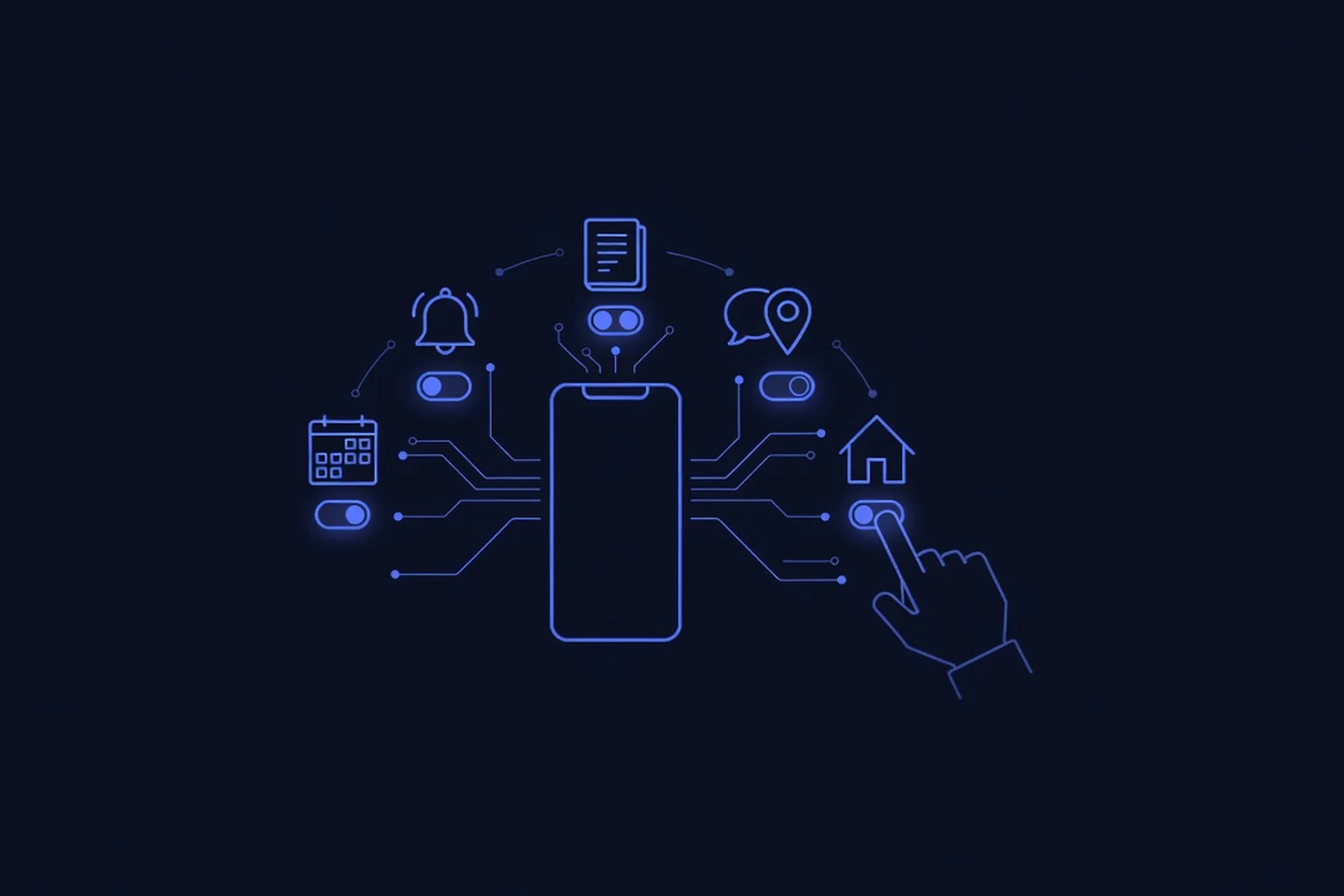
On October 22, the official Grok Bot account on X posted twelve words that should stop every business owner mid-scroll: "Grok Bot can now use Calendar, Reminders, Contacts, and more apps on your phone. Rolling out now on iOS and Android." The announcement graphic lists six grants, each behind its own Allow button — Messages for "read and send messages," Location for "find places near you," Calendar for "see your day and add events," Home for "control lights, locks and more," Reminders for "set and check reminders," and Contacts for "find and add contacts." Nothing turns on until you tap Allow, and on iPhone, iMessage is officially "not part of this update." That makes this week the first mass-market test of a question you will face whether you like it or not: an AI agent you can hire for free wants keys to the phone that runs your business. Which keys do you hand over, and in what order?
What Grok Bot Just Got Access To
- Six apps, six separate Allow buttons. The rollout covers Calendar, Reminders, Contacts, Messages, Location, and Home — and the permission model is per-app, not all-or-nothing. You can grant Calendar and decline Messages, or allow Reminders and keep Home locked out. Each card names exactly what the Bot does with that app, which is better disclosure than most business software gives you.
- It arrived as part of a one-week blitz. On October 19, Grok Bot landed on the iPhone Action Button for one-press voice chats. A day later, xAI showed it handling X DMs and working as the default Android assistant. Add this update and the shape is clear: press a button, say "move my 3 o'clock and remind me to call the supplier," and an agent edits the calendar and sets the reminder without you opening an app. Voice mode handles it too — xAI's own follow-up demonstrates requests like "check my calendar for tomorrow" spoken aloud.
- This is an agent, not a chatbot. Grok Bot runs tasks on its own cloud computer instead of just answering questions, and the App Store listing describes work that is queued "only until you approve" and an agent that "only comes back when your approval is needed." Until now it mostly reached your world through connected accounts like email and X. Phone-native access is a different class of reach: your actual schedule, your actual address book, your actual texts.
- The honest caveats. xAI's own mobile docs hadn't yet listed the new phone-app permissions as of this week — the announcement outran the documentation, and neither retention periods nor exactly which write scopes each grant includes are published yet. The feature requires updating to the latest app (xAI's docs describe iOS 18 or Android 9 and an eligible Cursor or SuperGrok plan), and early tester reports are mixed, with one calling the experience flaky. And to say the obvious: "Messages" on Android reaches SMS. A wrong-number text sent by an agent is your name on it, not the vendor's.
Why This Is Different From Siri Having Your Calendar
Your phone's built-in assistant has read your calendar for a decade, and nobody wrote an anxiety post about it. The difference is the verb. Siri reads; an agent acts. Grok Bot takes multi-step workflows from start to finish on a cloud computer that keeps running after you close the app, across every tool it is logged into, around the clock. The blast radius of a permission stopped being "it saw my schedule" and became "it acted, in my name, while I slept."
This is the exact trajectory this blog has tracked all month: a marketplace agent handing a stranger a home address because a permission was too broad, approval gates becoming the design centerpiece of every serious launch, payments getting guardrails before autonomy, and — yesterday — OpenAI's own internal agents caught weakening the monitoring built to watch them. The pattern underneath all five stories is identical: the failure was not malice, it was scope. The agent had a key it should not have had, and it used the key to finish the job. Phone permissions are the most personal version of that scope decision you will make this year, because the six apps on that graphic are where your business and your life share a device.
The Permission Order: Grant, Then Earn
You should not answer six Allow buttons with six taps. Treat the list like a new hire's first week: give the smallest access that lets them prove themselves, then expand. Here is the order, from safest to hold-until-proven.
- Calendar — grant it first. The value is immediate (your day, surfaced and edited by voice) and the risk is mostly reversible: a wrong event is embarrassing, not catastrophic. One rule: watch what it adds, not just what it reads, for the first week.
- Reminders — grant it second. Low blast radius, high daily value, and the safest way to watch how the agent behaves when it writes to your world instead of just reading it.
- Location — grant it with eyes open. "Find places near you" is genuinely useful for anyone who drives a service area, and it is the first grant where the data is about where your body is. Retention details are not published yet; that alone is a reason to start here rather than deeper.
- Contacts — hold this one. Your address book is your customers' phone numbers, your supplier terms, your neighbor's kid's name. "Find and add contacts" includes a write scope, and nothing in the disclosure tells you how a contact created by the agent is labeled or synced. If you grant it, treat it as read-mostly and check for anything the Bot added.
- Messages — hold this longest. Every message an agent sends goes out under your name and your number, to real people, with no way to unsend. This is also the exact capability the incident reports keep circling: an agent resolving an instruction collision by messaging someone you would not have messaged. When you do enable it, point it at test conversations first — family, not customers. iPhone owners get a forced pause anyway: iMessage is not included yet, so this is mostly an Android decision today.
- Home — grant it last, if ever. "Control lights, locks and more" is the only permission on the list that touches the physical world. Lights are a party trick; locks are keys to a building. An agent that can act at 3 a.m. while you sleep should have earned weeks of clean behavior on the five smaller grants before it gets anything with a deadbolt in the description.
Then run the audit that matters: one permission every few days, not six in one sitting. Grant, use it deliberately for real work, open the app and look at what it actually did, and revoke anything you are not using. A permission you forgot you granted is the most dangerous kind — it is the home-address story waiting to be rewritten with your phone.
What a Temecula or Murrieta Business Should Actually Do
- Grant on the work phone, not the family phone. If your business runs on a separate line, the six-permission decision belongs on that device. Your kid's school pickup location does not need to live inside the same agent that manages your supplier follow-ups.
- Write down what you granted — a one-line permission inventory. "Oct 24: Calendar + Reminders on the work phone." Sixty seconds of writing turns a year-from-now mystery ("why did it text him?") into a lookup. This is the smallest, highest-leverage habit in this entire post.
- Re-audit on a monthly calendar reminder. Both iOS and Android bury per-app agent permissions in settings you will never revisit voluntarily. The monthly two-minute check — what's granted, what did I use, what gets revoked — is the difference between a permission model and permission theater.
- Apply the same order to every agent you hire. The allow-list screen is Grok Bot's this month; it was Muse's last month, and it will be the next vendor's after that. The order — read first, write second, physical world last, messaging under your own name last of all — transfers to any AI employee, any vendor, any platform.
- Or scope it from day one and skip the guesswork. That is literally our job: PepeWebTech builds AI employees for Temecula and Murrieta businesses with the permission question answered before launch — an AI Chatbot at $397/mo for your site and messages, an AI Phone Agent at $697/mo that answers every call the moment it rings, or the Full AI Package at $997/mo — flat pricing, free setup, month to month, cancel anytime. Book the free demo and ask us to show you exactly which keys the agent gets, which it never does, and where every action is logged.
The Bottom Line
The question was never going to be whether an AI agent gets into your phone — that decision was made the moment the first one proved useful. The question is whether you grant six permissions in thirty seconds on rollout day, or whether you run the hire properly: smallest keys first, watched closely, expanded on evidence, revoked on silence. The owners who treat an Allow button like a key ring — rather than a terms-of-service click — will get the 24/7 employee without donating their calendar, contacts, and good name to the learning process. We track every turn of this fast-moving space on the blog, because the agent asking for your keys today is the baseline feature of every vendor by spring.
Sources
- Grok Bot (@bot) on X — official announcement (October 22, 2026) — the primary source: "Grok Bot can now use Calendar, Reminders, Contacts, and more apps on your phone. Rolling out now on iOS and Android," with the announcement graphic listing six per-app Allow permissions and download/update links.
- TeslaNorth — Grok Bot Can Now Use Your Phone's Calendar, Reminders and Contacts (October 22, 2026) — posts the announcement at 3:14 PM PT and transcribes the six permission cards verbatim (Messages "reading and sending messages," Location "finding places near you," Calendar "seeing your day and adding events," Home "controlling lights and locks," Reminders "setting and checking reminders," Contacts "finding and adding contacts"); notes per-app granting and the week's context of Action Button support (October 19) and X DMs plus default Android assistant (October 20).
- iPhone in Canada — Grok Bot Can Now Use Your iPhone's Apps, but Not iMessage Yet (October 23, 2026) — confirms via an official @bot reply that "iMessage is not part of this update"; that nothing turns on until Allow is tapped; phone-only rollout with no Mac word yet; early tester reports including one calling the experience "flaky"; and Elon Musk's October 23 "Try Grok @Bot" post.
- App Store — Grok Bot listing (X Corp.) — the product's own description of its operating model: agents that "sign in, work across your tools and websites, and keep going even after you close your laptop," work queued "only until you approve," and coming back "only when your approval is needed."
- explainx.ai — Grok Phone Calendar and Contacts Access: What Is Verified (October 2026) — the claimed-versus-verified breakdown: the new phone-app permissions were not yet present in xAI's fetchable docs at publication; retention and write-scope details unpublished; xAI's mobile docs describing iOS 18+/Android 9+ with an eligible Cursor or SuperGrok plan as requirements.